Help Scout
Help Scout is a customer-support platform for small and growing teams that need to manage email, chat, and connected customer context without fragmenting conversations across separate inboxes. Its support workspace is designed around a simple shared-inbox operating model, with automation available as volume grows.
Help Scout is a customer-support platform for small and growing teams that need to manage email, chat, and connected customer context without fragmenting conversations across separate inboxes. Its support workspace is designed around a simple shared-inbox operating model, with automation available as volume grows.
Help Scout is a customer-support platform for small and growing teams that need to manage email, chat, and connected customer context without fragmenting conversations across separate inboxes.
- Views
- 0
- Uses
- 0
- Favorites
- 0
- Supported Platforms
- Shopify · Custom API
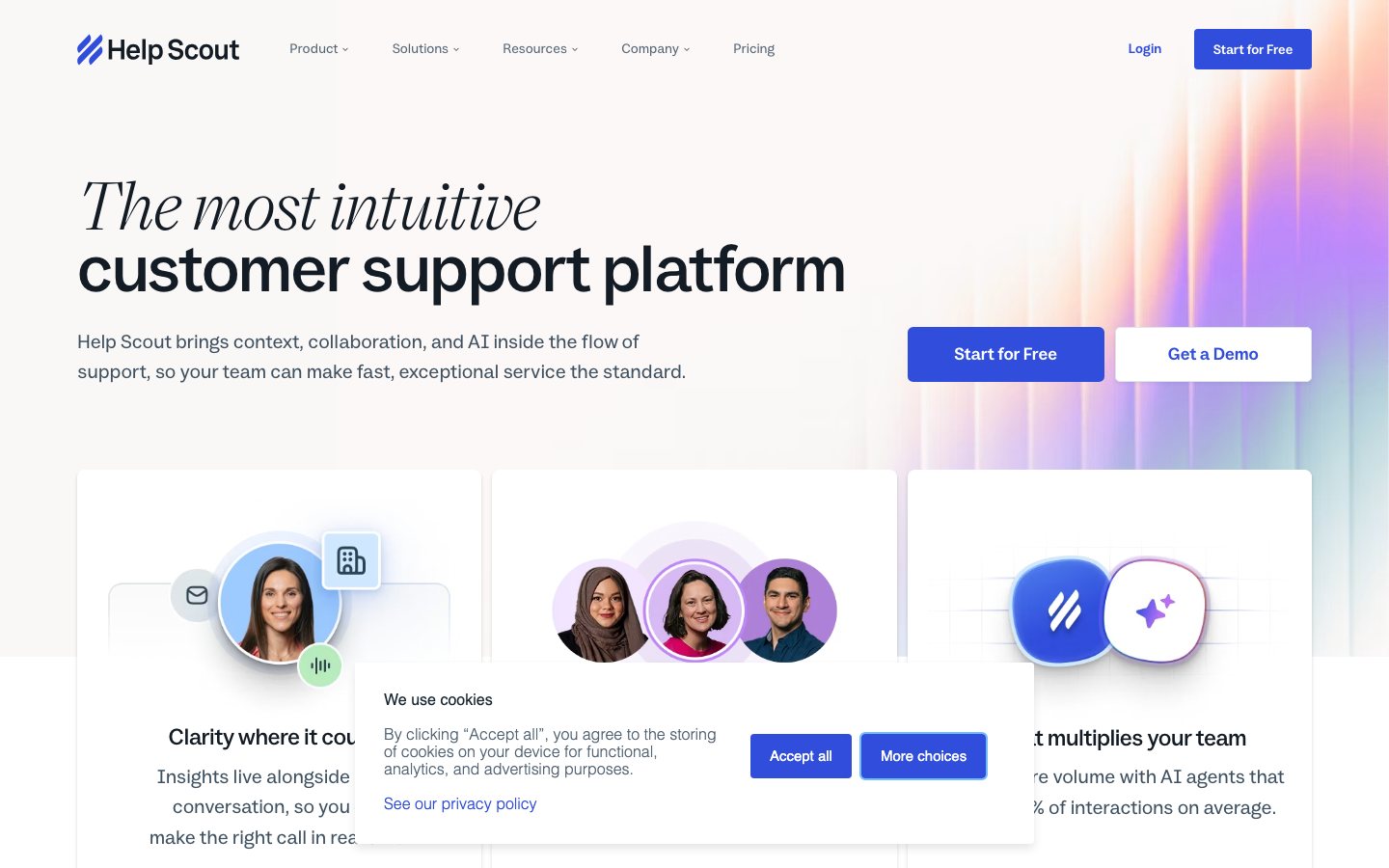
Buying view: Its support workspace is designed around a simple shared-inbox operating model, with automation available as volume grows. Per-user pricing and per-resolution AI add-ons make staffing and deflection assumptions important; evaluate the quality of escalation before declaring a ticket resolved.
Capabilities
Help Scout gives support teams a shared Inbox for customer questions, Docs for help articles, and Beacon for on-site help and optional AI Answers. Staff can use customer history, assignment rules, saved replies, and AI writing tools while handling conversations. The team can also publish targeted Messages and surveys, then use service and content reports to decide what needs attention. Customer context and replies remain in the same support workspace when a teammate takes over.
What problem it addresses
When several teammates handle customer questions, they need to see who owns each conversation and what has already been said. Help Scout keeps that shared record available while the team answers directly or offers self-service help.
How people use it
The team works in a shared Inbox and maintains a separate Docs help center. Beacon places help articles, contact options, and enabled AI Answers on a website or in an app; Messages uses that installed widget to show targeted announcements and surveys.
Customers can use the contact options enabled by the team or seek help through Beacon. When AI Answers is enabled, it uses the configured knowledge sources; topics covered by guardrails are directed toward team support. A customer who contacts the team enters the Inbox workflow, where staff assign the conversation, check its history, reply, and close it or arrange follow-up.
Self-service has distinct outcomes: the customer is helped, contacts the team, or leaves without contacting it. An unanswered question does not by itself create a human conversation. Staff can use saved replies, AI Drafts, AI Assist, or AI Summarize when available; these aids are not mandatory steps. Managers can later review conversation volume, response times, and satisfaction reports.
An editor creates or opens a Docs article, writes the content, and checks its preview before publishing. Published articles are available in the help center and can be served through Beacon. Search reports help the team identify missing answers and choose articles to revise.
The editor can correct a draft before publishing and preview later revisions before republishing. AI Answers can use configured knowledge sources, but sources outside Help Scout Docs require manual resynchronization after changes.
The operator chooses an installed Beacon, prepares a message or survey, and sets its trigger, audience, and schedule. After review and activation, matching visitors can see it on the website or in the app. The team checks views, button clicks, or survey responses and can revise the message for later use.
A message may link to a page, open an article, or offer contact with the team. Available results depend on the selected message type and action; a view or click is not a completed purchase.
What each module does and its role
Inbox
Inbox is the team workspace for questions arriving through connected email, chat, and social channels. Staff assign conversations, read earlier replies and internal notes, and use saved replies when preparing an answer. Views organize the queue, while snooze and send later support follow-up. Phone and SMS access depend on integrations.
Workflows, routing and SLAs
Workflows apply configured conditions to tag, assign, or reply to conversations. Routing can distribute work across teammates, while service-level agreements (SLAs) define response targets for the team to track. Staff use these controls to manage incoming work and follow-up; the available rules and routing options depend on the account configuration.
AI Drafts, AI Assist and AI Summarize
These tools assist the teammate handling a conversation. AI Drafts prepares a reply using past conversations and help content; AI Assist edits, shortens, expands, or translates text. AI Summarize condenses a long exchange so the next teammate can catch up. A generated draft remains something for staff to review and send.
Beacon and AI Answers
Beacon is an embedded help widget where shoppers can read articles or use the contact options enabled by the team. When enabled, AI Answers responds using configured knowledge sources, and guardrails direct specified topics toward human support. The team reviews sessions to distinguish customers who were helped, escalated, or left without making contact. External knowledge sources require manual resynchronization when their content changes.
Docs
Docs lets the team turn recurring customer questions into searchable help articles. Editors write or import content, organize it into categories, preview the result, and publish it to the help center. The articles can also appear in Beacon, while search reports show where readers may need more information.
Messages and surveys
Messages lets operators show announcements, guidance, or surveys where Beacon is installed. They prepare the content and action, choose the audience and triggering event, and set when it should run. After activation, views, button clicks, and the applicable survey results show how visitors interacted with it.
Reports
Reports help support managers examine conversation volume, response times, and customer satisfaction. They can filter the records by criteria such as Inbox or tag and export data for further analysis. Docs search data and AI Answers session outcomes also help the team identify content to improve; reviewing reports does not change a reply or article automatically.
Customer profiles and connected apps
Customer profiles put contact details and conversation history beside the conversation being handled. Connected apps can add information from other systems, while custom properties let the team record details relevant to its own service process. Staff use the available context to investigate the request; the records shown depend on the connection and its configuration.
Commercial plans
Estimated from published pricing rules
Help Scout subscription budget
Independent Vendolune budget matching based on public subscription prices; not a vendor calculator.
Monthly subscription budget
Select the highest eligible plan within this budget. Usage needs are not assessed.
Subscription scope
Full-user seats
A full user is a team member with a Help Scout login who can view and manage customer conversations, including replying when their permissions allow. Every full-user account, including the Account Owner, is billed as one seat; customers who contact the support team are not seats.
An Inbox is a shared workspace where a team receives, assigns and replies to customer conversations for an address or support channel. Paid plans can add one Inbox beyond the included allowance for $12/month or $120/year.
A Docs site is a customer-facing knowledge base where the team publishes help articles for self-service. Paid plans can add one site beyond the included allowance for $24/month or $240/year.
A light user is a limited-access internal collaborator who can view conversations and customer information and add their own notes, but cannot reply to customers or manage conversations. Plus includes 5 and permits 1–20 paid additions; Pro includes 15 and permits 1–35. Each additional light user costs $12/month or $120/year.
AI Answers uses the team’s Docs and connected knowledge sources to answer customer questions inside Beacon. A billable resolution is one AI Answers session completed without human help; it is charged at most once even when the AI answers several questions, and a session is not charged when the customer asks for more help. Each resolution costs $0.75 and is billed monthly in arrears after any applicable trial.
Messages sends proactive notices or surveys to visitors through Beacon. The slider estimates how many distinct tracked visitor devices will see at least one Message in a month; repeated Messages shown to the same tracked viewer count once. Paid plans include 2,000 unique viewers per month, and higher usage is billed monthly in arrears by the published tiers.
This independent planner ranks plans using the selected budget, full-user count and calculable add-ons. Pro officially has no full-user maximum, but this planning slider is capped at 50; Pro requires at least 10 full users, Standard allows up to 25 and Plus up to 50. Annual totals include 12 months of the selected AI Answers and Messages estimate, while actual usage remains billed monthly in arrears and can consume annual credit sooner. Taxes, third-party subscriptions and quote-only services are excluded. The official savings calculator inputs are business assumptions, not plan allowances or performance guarantees.
View official pricing detailsChoose a subscription budget, full-user count and optional add-ons. Fixed add-ons and estimated AI Answers and Messages usage are included in the planning total.
Help Scout plan entitlements
Compare the allowances and feature entitlements included with each Help Scout plan. Selectable add-ons are explained and calculated only in the calculator above.
| Plan | Allowances and feature entitlements |
|---|---|
| Free | Up to 5 users; 1 included Inbox and 1 Docs site. Included plan entitlements
|
| Standard | Up to 25 users; 2 included Inboxes and 2 Docs sites. Included plan entitlements
|
| Plus | Up to 50 users; 5 included Inboxes and 3 Docs sites. Included plan entitlements
|
| Pro | At least 10 users; no upper limit; 10 included Inboxes and 5 Docs sites. Included plan entitlements
|
Comparable tools: price and workflow
| Tool | Workflow difference | Official public price reference |
|---|---|---|
| Freshdesk | A support team needs a structured workspace for tickets, customer context, and service workflow control. Compare Shopify context, automation limits, agent seats, and the work needed to maintain policies and routing. | Free program — $0 for eligible small teamsGrowth — $19/agent/month billed annuallyPro — $55/agent/month billed annuallyEnterprise — $89/agent/month billed annuallyFreshdesk pricing ↗ |
| Zendesk AI | A support team needs a structured workspace for tickets, customer context, and service workflow control. Compare Shopify context, automation limits, agent seats, and the work needed to maintain policies and routing. | Support Team — $19/agent/month billed annuallySuite Team — $55/agent/month billed annuallySuite Professional — $115/agent/month billed annuallySuite Enterprise — Contact salesCopilot add-on — $50/agent/month billed annuallyZendesk AI pricing ↗ |
| Gorgias | A support team needs a structured workspace for tickets, customer context, and service workflow control. Compare Shopify context, automation limits, agent seats, and the work needed to maintain policies and routing. | Starter — $10/month for 50 ticketsBasic — $60/month for 300 ticketsPro — $360/month for 2,000 ticketsAdvanced — $900/month for 5,000 ticketsEnterprise — Custom quoteGorgias pricing ↗ |
| Intercom | The priority is an AI service agent that can resolve common questions and hand uncertain cases to people. Answer quality depends on maintained knowledge, permissions, and a clear escalation owner. | Essential — $39/seat/month or $29 billed annuallyAdvanced — $99/seat/month or $85 billed annuallyExpert — $139/seat/month or $132 billed annuallyFin AI Agent — $0.99 per outcomeIntercom pricing ↗ |
| eesel AI | The team wants to add an AI answer layer to approved help content or an existing support stack. The result is only as safe as the source selection, retrieval quality, and escalation rules behind it. | Light task — FreeRegular task — $0.40/taskHeavy task — $4/taskeesel AI pricing ↗ |
Frequently asked questions
What is Help Scout?
Help Scout is a shared inbox, help center and customer messaging platform.
How much does Help Scout cost?
plans range from Free to Pro per user, and AI Answers is charged separately per resolved conversation. Confirm taxes, usage charges and current contract terms on the linked official pricing source before purchase.
Which tools integrate natively with Help Scout?
The verified first-party directory lists Shopify, HubSpot, Salesforce, Jira, Slack, Mailchimp, Segment. Each connector supports a defined data path, so check its guide before assuming every object or action is available.
Who is Help Scout best for?
Help Scout is best suited to support teams that prefer an email-like workspace and a simple knowledge base. The practical fit still depends on data volume, team skills and the systems already in use.
What are the main Help Scout alternatives?
This page compares Freshdesk, Zendesk AI, Gorgias, Intercom, eesel AI. Compare their complete plan prices, workflow scope, native connections and data ownership against the same operating scenario.
What should buyers check before choosing Help Scout?
Check this boundary first: AI usage, user seats and advanced service levels can add separate cost. Run a small production-like test and confirm export, cancellation and renewal terms before a broad rollout.
Native connections
Use the documented connector to exchange supported data or trigger the supported workflow with Shopify.
Help Scout integrationsUse the documented connector to exchange supported data or trigger the supported workflow with HubSpot.
Help Scout integrationsUse the documented connector to exchange supported data or trigger the supported workflow with Salesforce.
Help Scout integrationsUse the documented connector to exchange supported data or trigger the supported workflow with Jira.
Help Scout integrationsUse the documented connector to exchange supported data or trigger the supported workflow with Slack.
Help Scout integrationsUse the documented connector to exchange supported data or trigger the supported workflow with Mailchimp.
Help Scout integrationsUse the documented connector to exchange supported data or trigger the supported workflow with Segment.
Help Scout integrationsSources
- Help Scout official product page
- Help Scout: Official documentation
- Help Scout: Official pricing
- Help Scout workflows
- AI Answers best practices
- HubSpot connection
- Cometly connection
- Mailchimp connection
- Weglot connection
- Omnisend connection
- Official workflow guide 1: Offer self-service with a route to the team
- Official workflow guide 2: Offer self-service with a route to the team
- Freshdesk pricing
- Zendesk AI pricing
- Gorgias pricing
- Intercom pricing
- eesel AI pricing
- Help Scout integrations
- Help Scout Docs
- Help Scout AI Drafts
- Help Scout Messages
- Help Scout Messages reports
- Help Scout Analytics
User reviews
431 reviewsChecked Sep 21, 2026
Help Scout product reviews.
Review summary (our paraphrase)
Review summary (our paraphrase)
Liked internal collaboration within ordinary-looking email conversations; needed more detailed reporting and routing.
Read original reviewReview summary (our paraphrase)
Found chat, email and AI features useful; wanted deeper customization and more reliable availability.
Read original review19 reviewsChecked Sep 20, 2026
Count for the exact named product; open the collection to read current individual reviews.
Individual reviews cannot be linked here. Open the original platform to read them.
More reviews on Shopify App StoreHelp Scout
Content checked:
Valued messaging and automation tools but reported outages and wanted more customization.
Read original review